
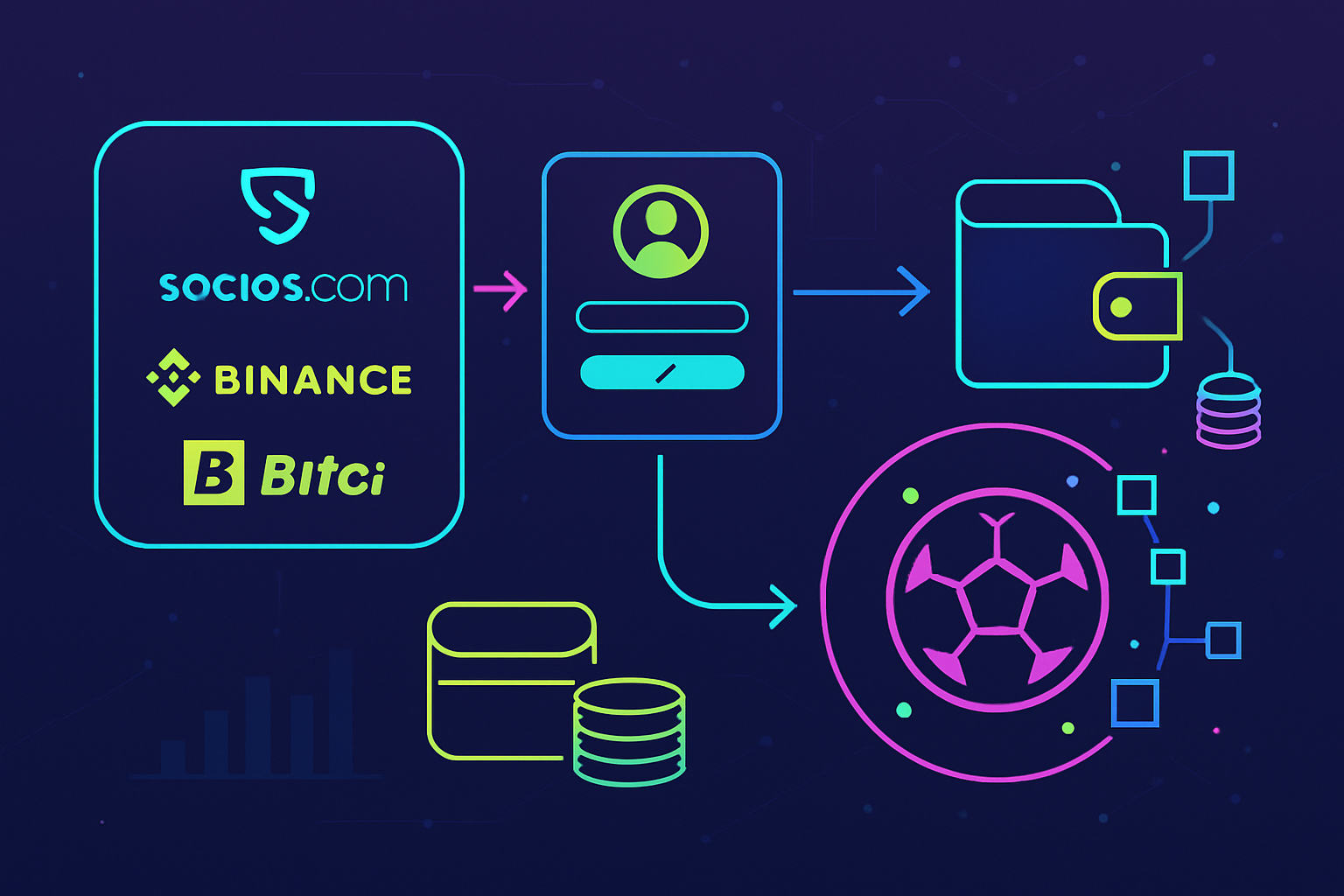
Soccer fan tokens are transforming the way supporters connect with their clubs, offering digital ownership of unique experiences, voting rights, and exclusive content. If you’re new to the world of sports crypto, learning how to buy soccer fan tokens can feel daunting. This step-by-step guide draws on current market practices and leading platforms to give beginners a clear pathway into this exciting space.
Step 1: Choose a Reputable Platform
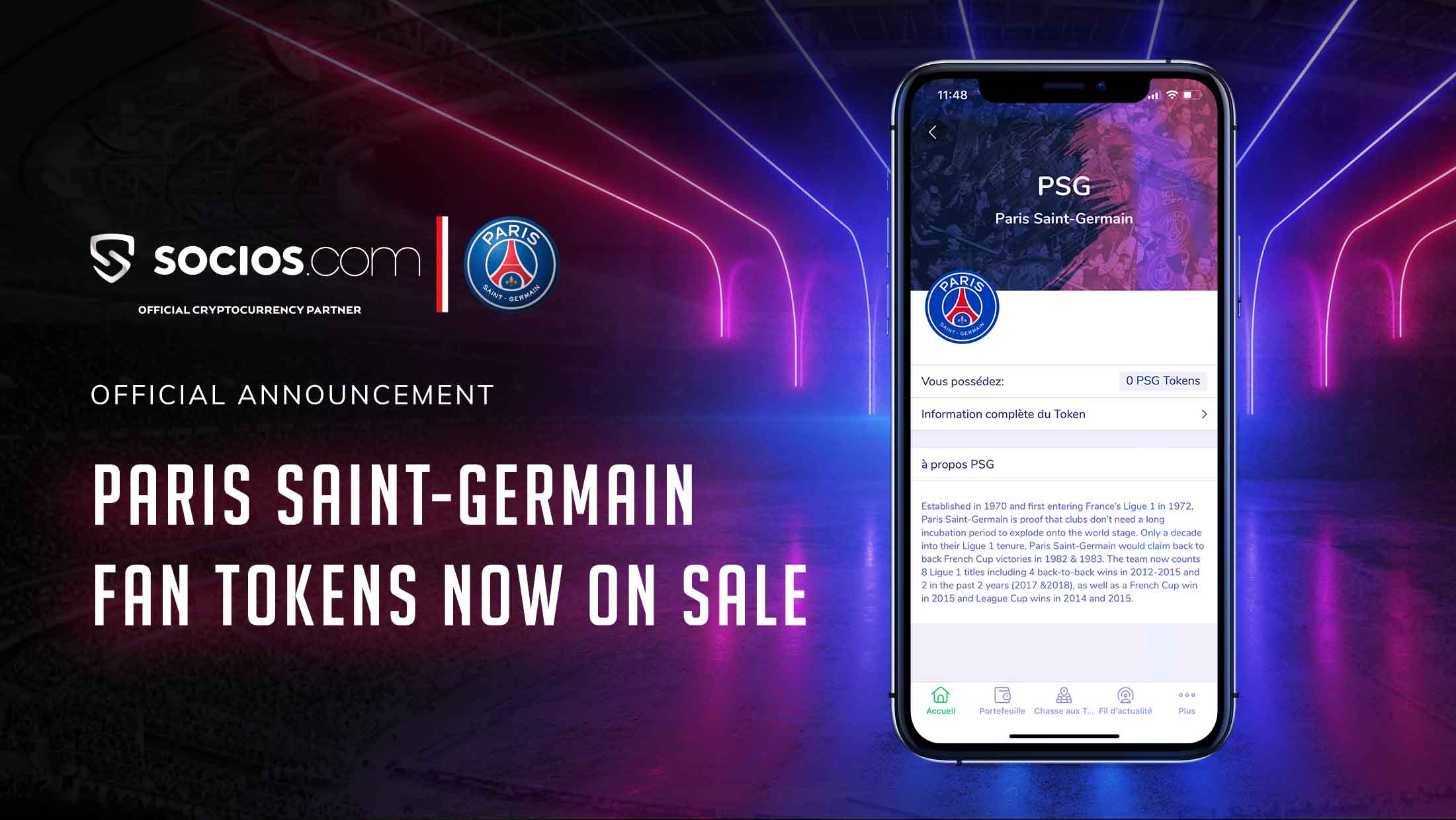
The first step in your fan token journey is selecting a trusted platform. Socios. com is the industry leader, partnering with dozens of top-flight clubs worldwide. Binance, one of the largest global crypto exchanges, also offers a robust selection of official soccer fan tokens. Other notable options include Bitci for certain European teams.
- Socios. com: Best for direct club engagement and exclusive team experiences.
- Binance: Ideal for those already trading crypto or seeking broader token liquidity.
- Bitci: Useful for select clubs not listed on other platforms.
Your choice should be guided by your club allegiance and the platform’s security reputation. Always verify that the platform lists official tokens for your preferred team to avoid counterfeits or illiquid assets.
Step 2: Create and Verify Your Account
Once you’ve chosen a platform, it’s time to set up your account. Registration processes are generally straightforward but require careful attention to security best practices:
Essential Steps to Register and Verify on Socios.com or Binance
- Choose a Reputable Platform (e.g., Socios.com, Binance, Bitci): Begin by researching and selecting a trusted platform or exchange that officially lists soccer fan tokens for your favorite club. Socios.com and Binance are the top choices, known for their security and wide club partnerships.
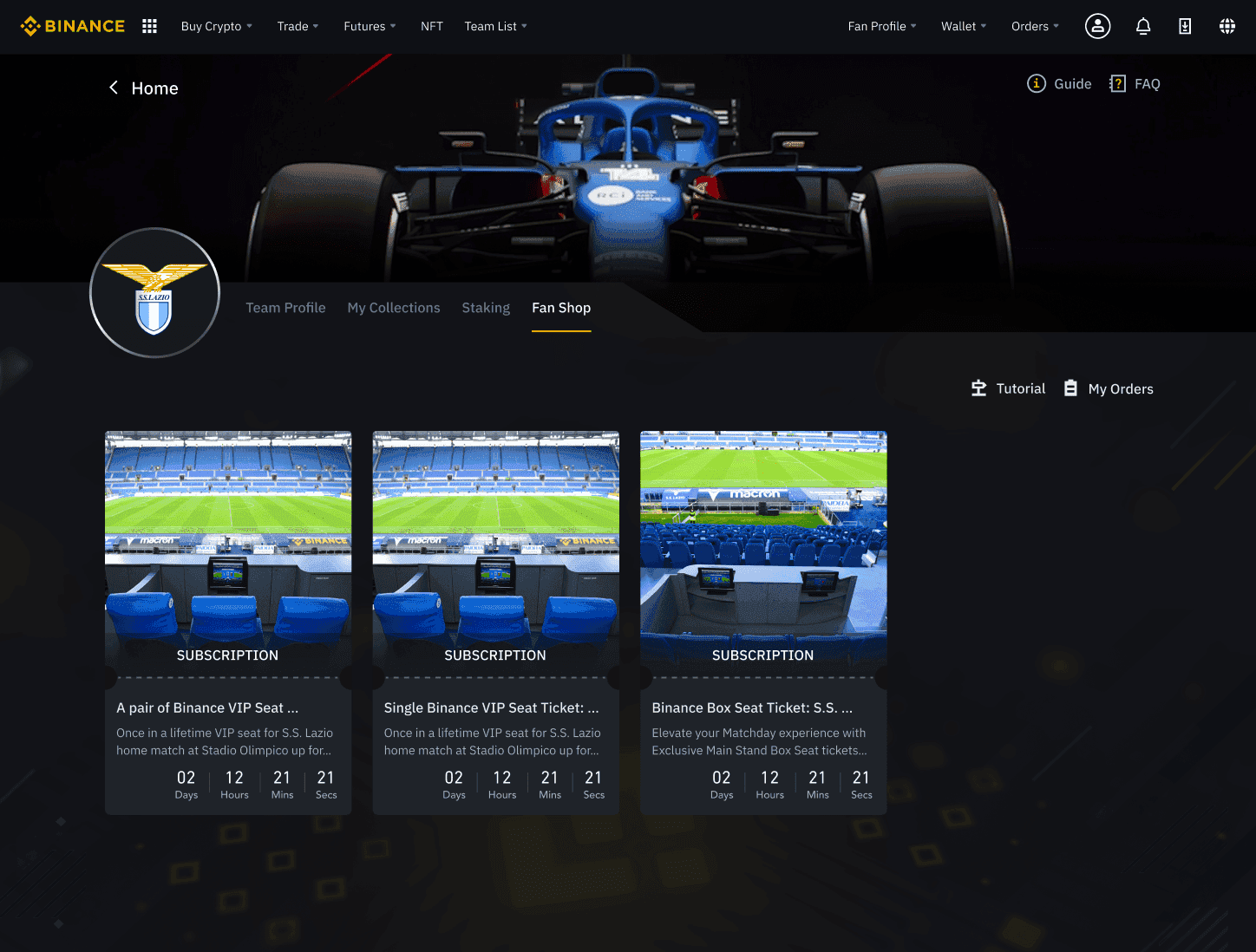
- Create and Verify Your Account: Register on your chosen platform by providing your email or phone number. Complete the identity verification (KYC) process and enable two-factor authentication (2FA) for enhanced security. This step is required to access trading and token features.

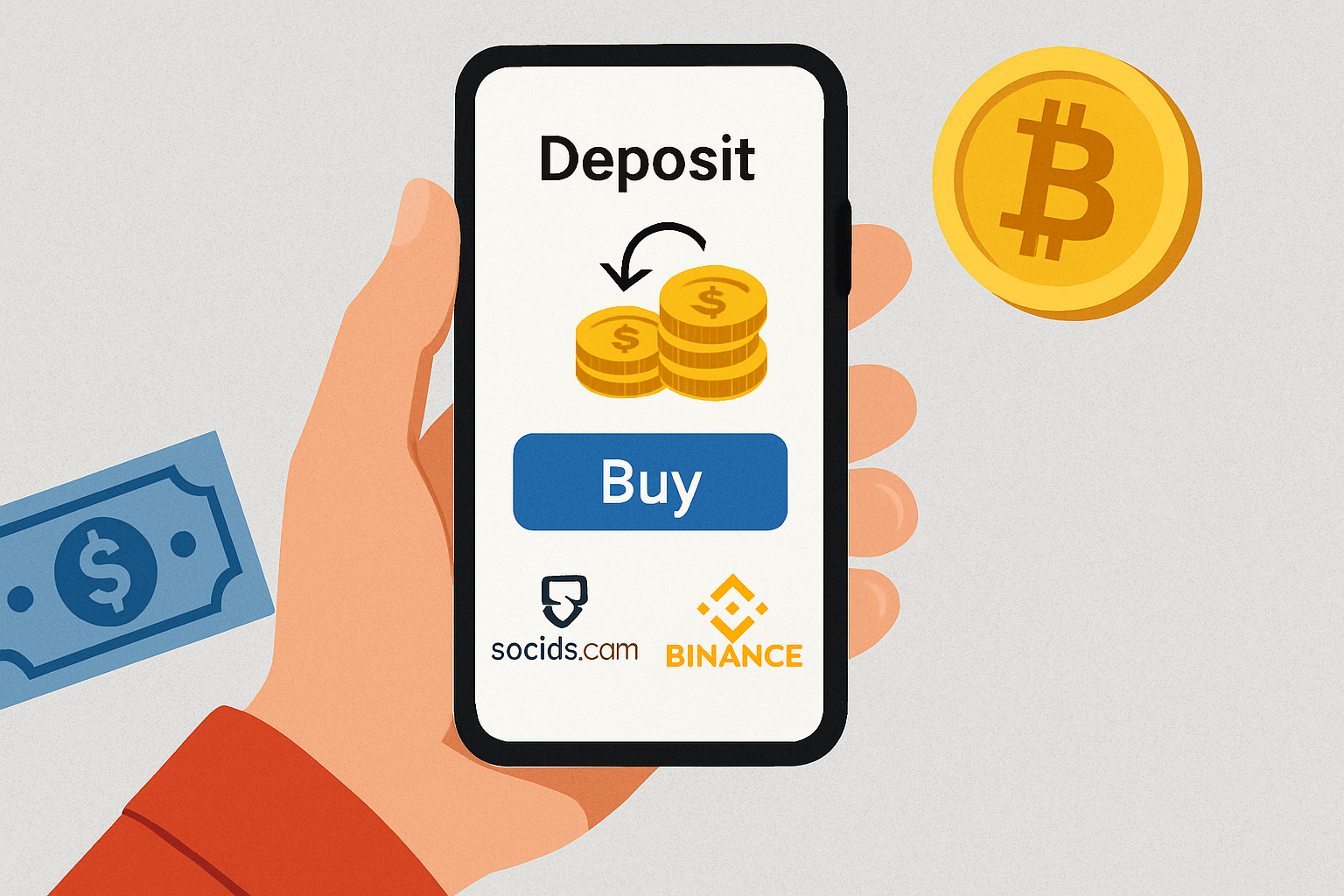
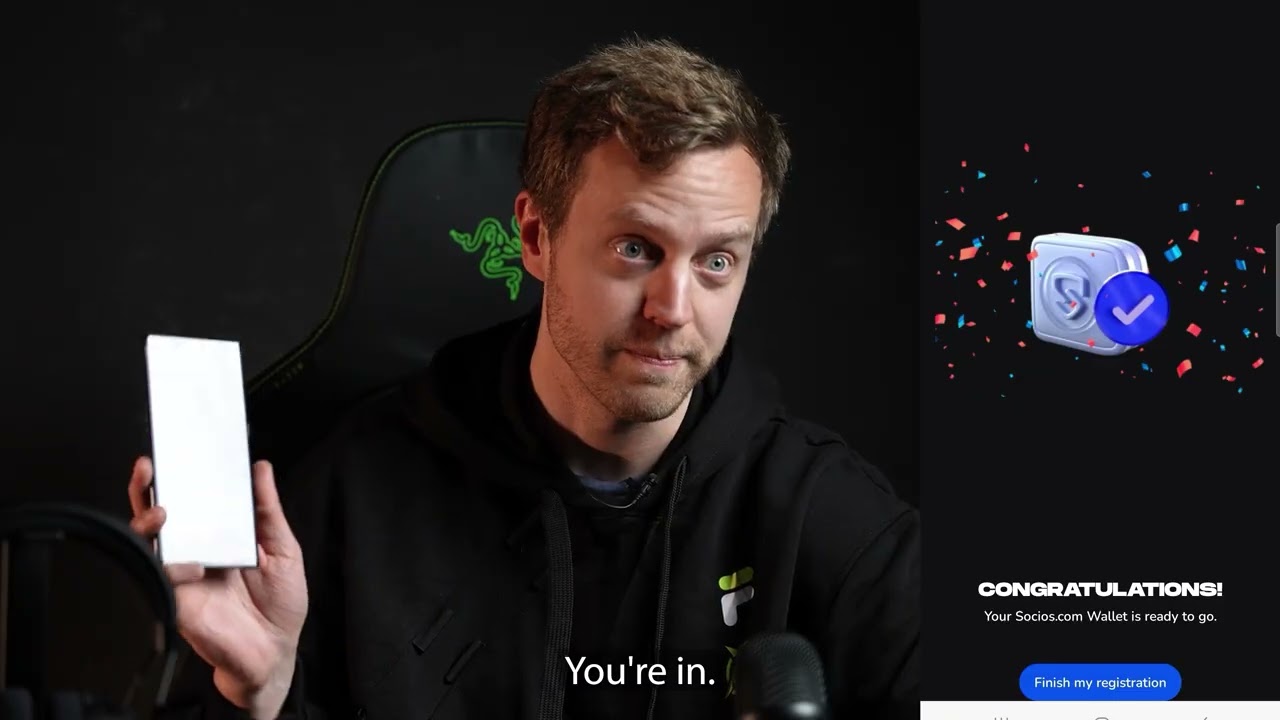
- Set Up and Fund Your Crypto Wallet: Create a compatible crypto wallet within the platform, if needed. Deposit funds using supported methods—typically fiat currency (like USD or EUR) or popular cryptocurrencies such as USDT or BNB. On Socios.com, you’ll usually purchase $CHZ to buy fan tokens.
- Purchase the Desired Soccer Fan Token: Navigate to the fan token marketplace, select the token for your club, and execute the purchase using your funded account or wallet balance. On Binance, search for the correct trading pair (e.g., CHZ/PSG for Paris Saint-Germain).
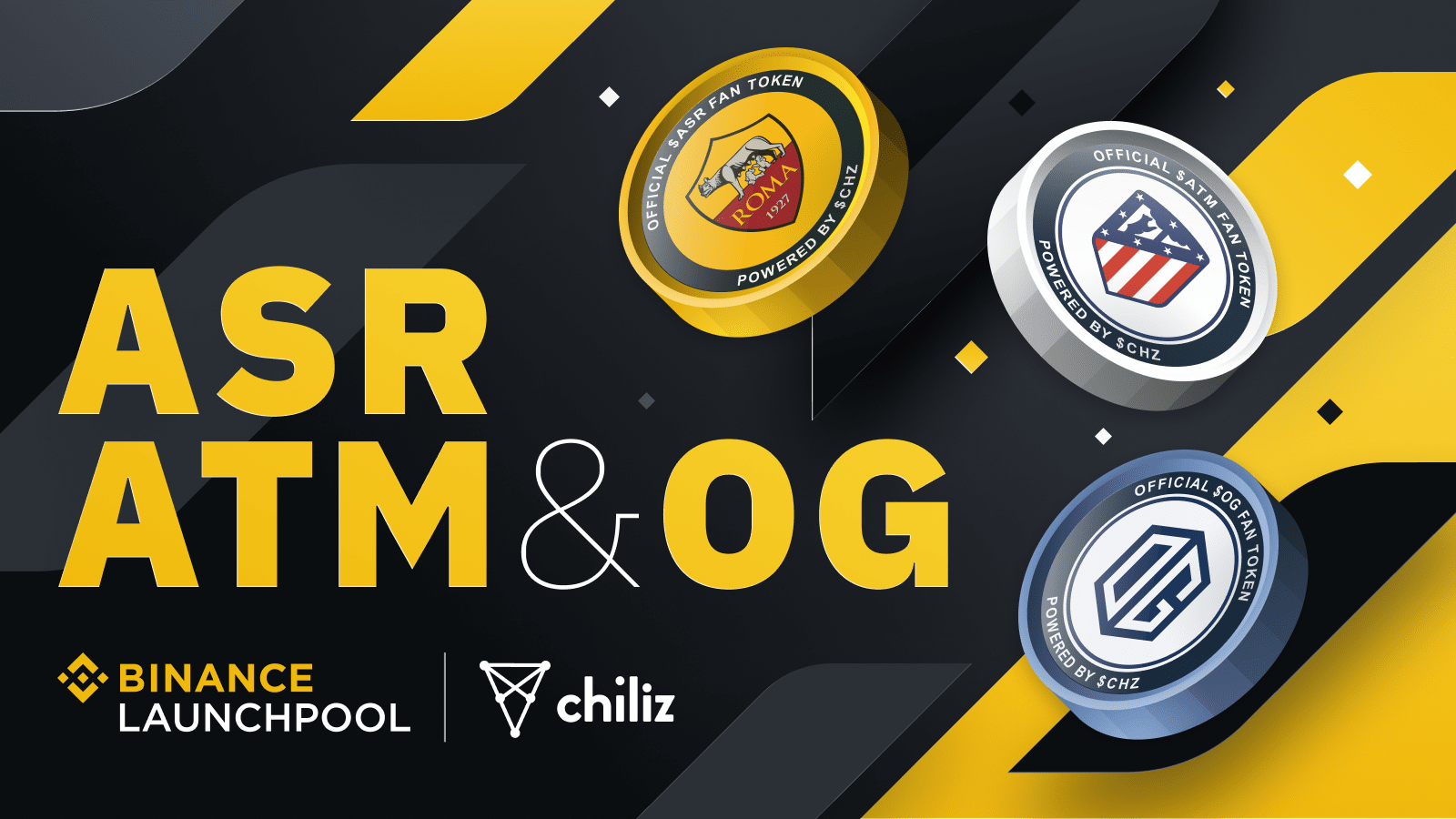
- Store and Manage Your Tokens Securely: Keep your fan tokens in the platform’s secure wallet, or transfer them to a private crypto wallet that supports these assets. Monitor your holdings and explore exclusive club benefits, voting rights, and fan experiences linked to your tokens.
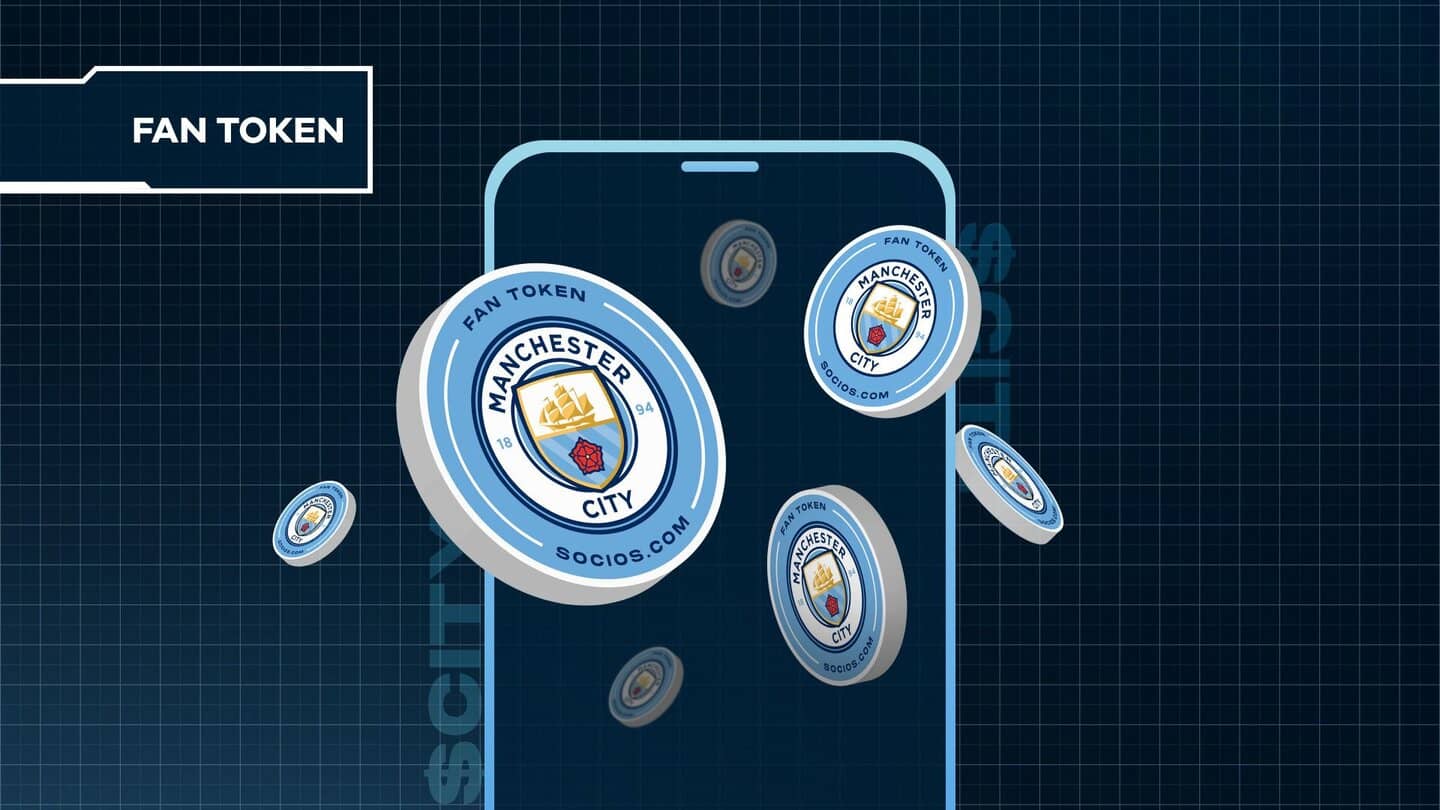
- Register: Download the Socios. com or Binance app (or visit their websites) and fill in your basic details.
- KYC Verification: Complete identity verification (KYC) by uploading government-issued ID documents. This step is mandatory for compliance and security.
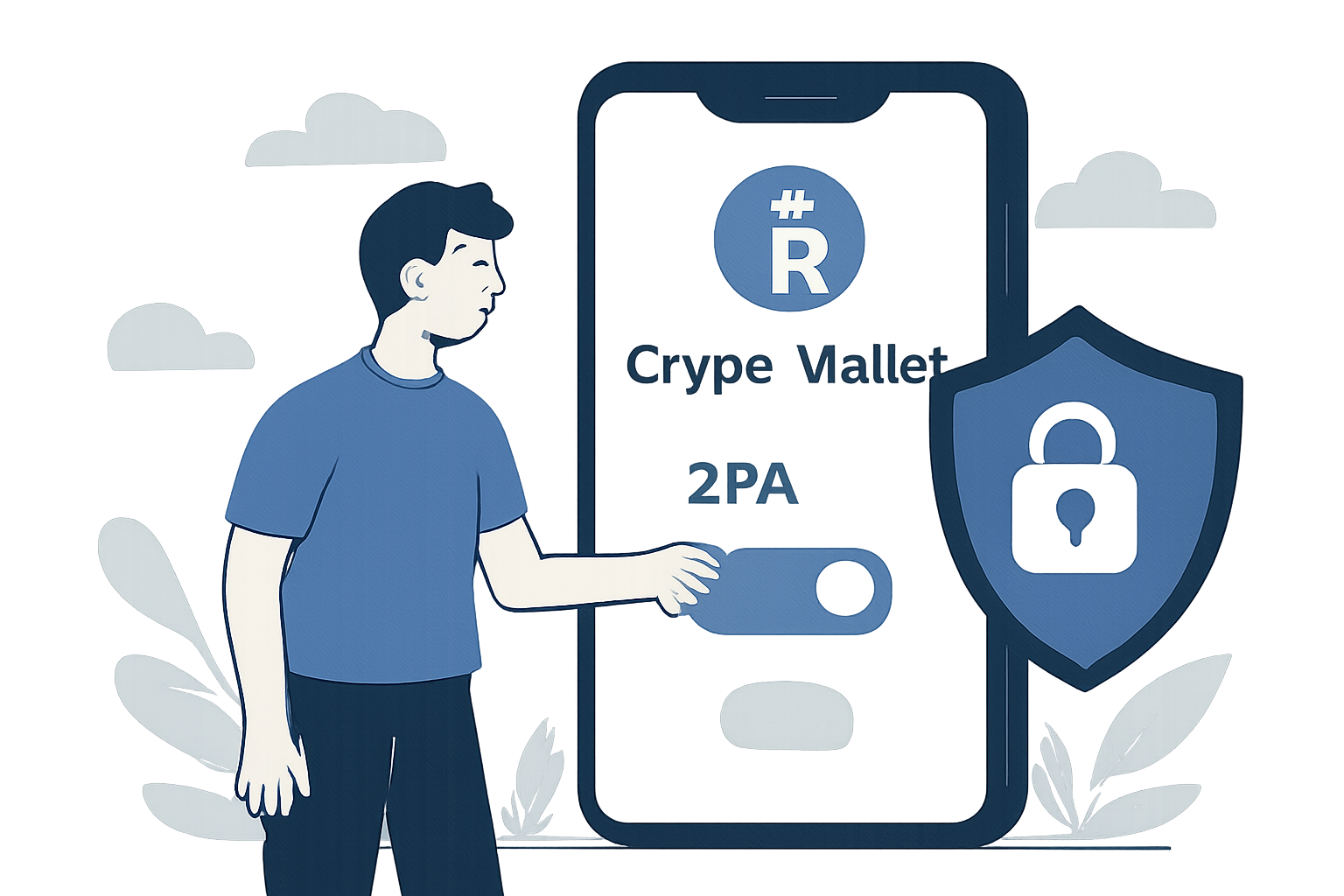
- Enable Two-Factor Authentication (2FA): Add an extra layer of protection by activating 2FA in your account settings.
This process ensures that only you can access your funds and helps prevent unauthorized transactions, a crucial consideration as sports tokens gain popularity among both fans and investors.
Step 3: Set Up and Fund Your Crypto Wallet
The next move is to fund your account so you can purchase tokens. The process differs slightly depending on whether you use an integrated wallet within Socios. com or an external wallet connected to Binance or Bitci:
- Create a Compatible Wallet: Socios. com provides an in-app wallet for $CHZ (Chiliz), while Binance supports multiple cryptocurrencies including USDT, BNB, or direct fiat deposits. For advanced users, consider setting up a private crypto wallet that supports ERC-20 or BEP-20 tokens if you plan long-term holding or want greater control over your assets.
- Add Funds:
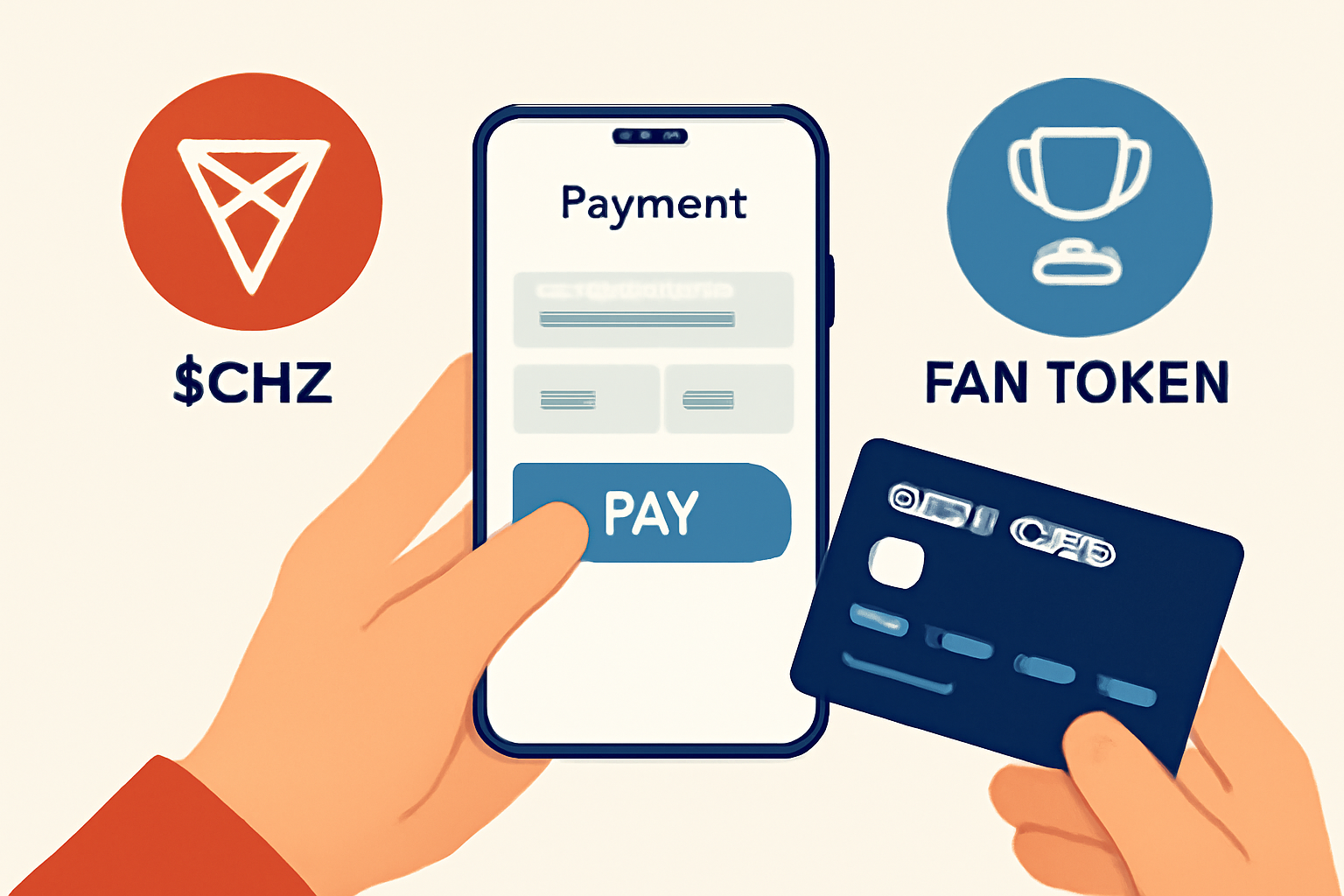
- If using Socios. com: Buy $CHZ directly with credit/debit card inside the app, no need for external transfers.
- If using Binance/Bitci: Deposit fiat currency via bank transfer or card, then convert it into $CHZ, USDT, BNB, or another supported cryptocurrency as required by the marketplace listing of your chosen fan token.
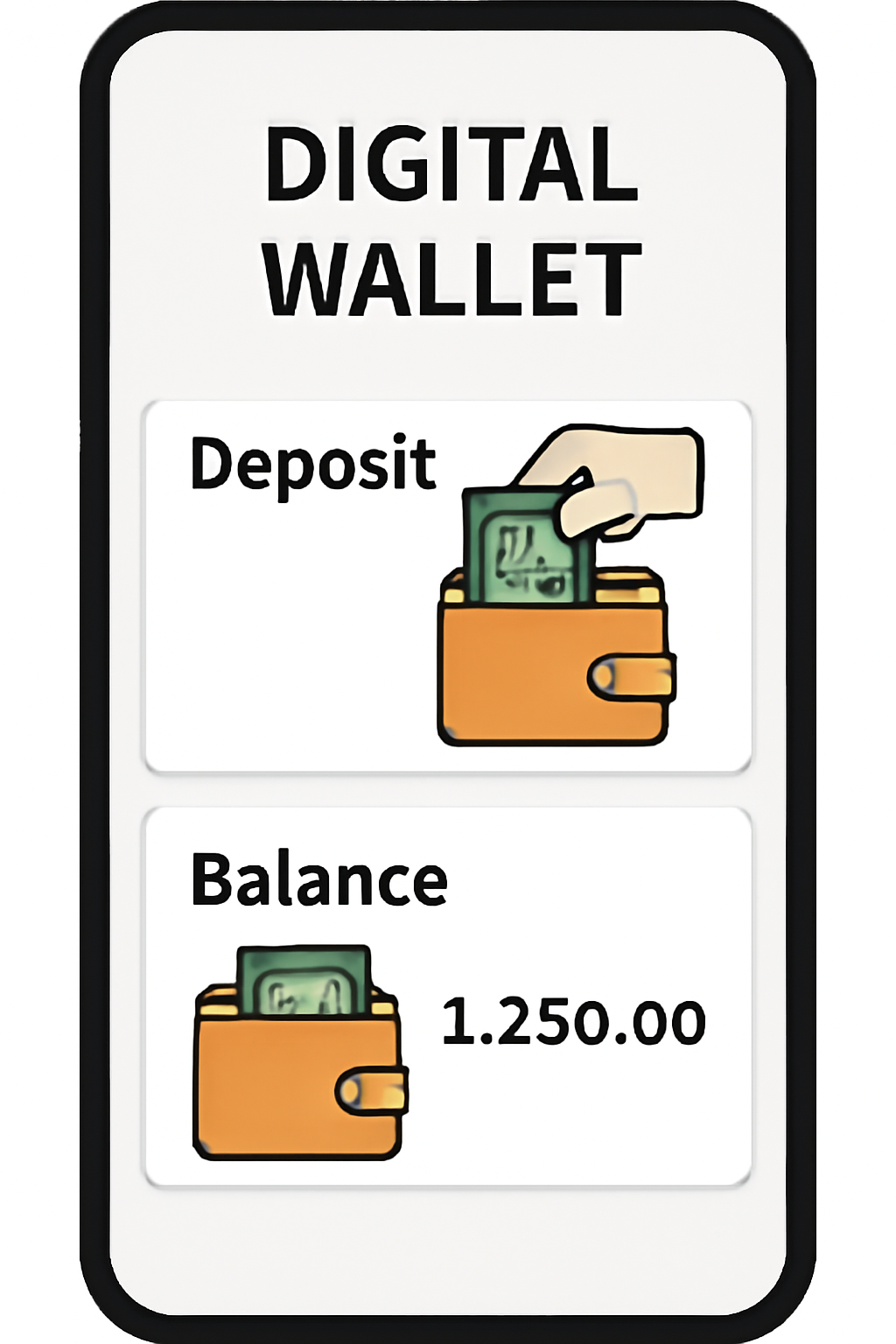
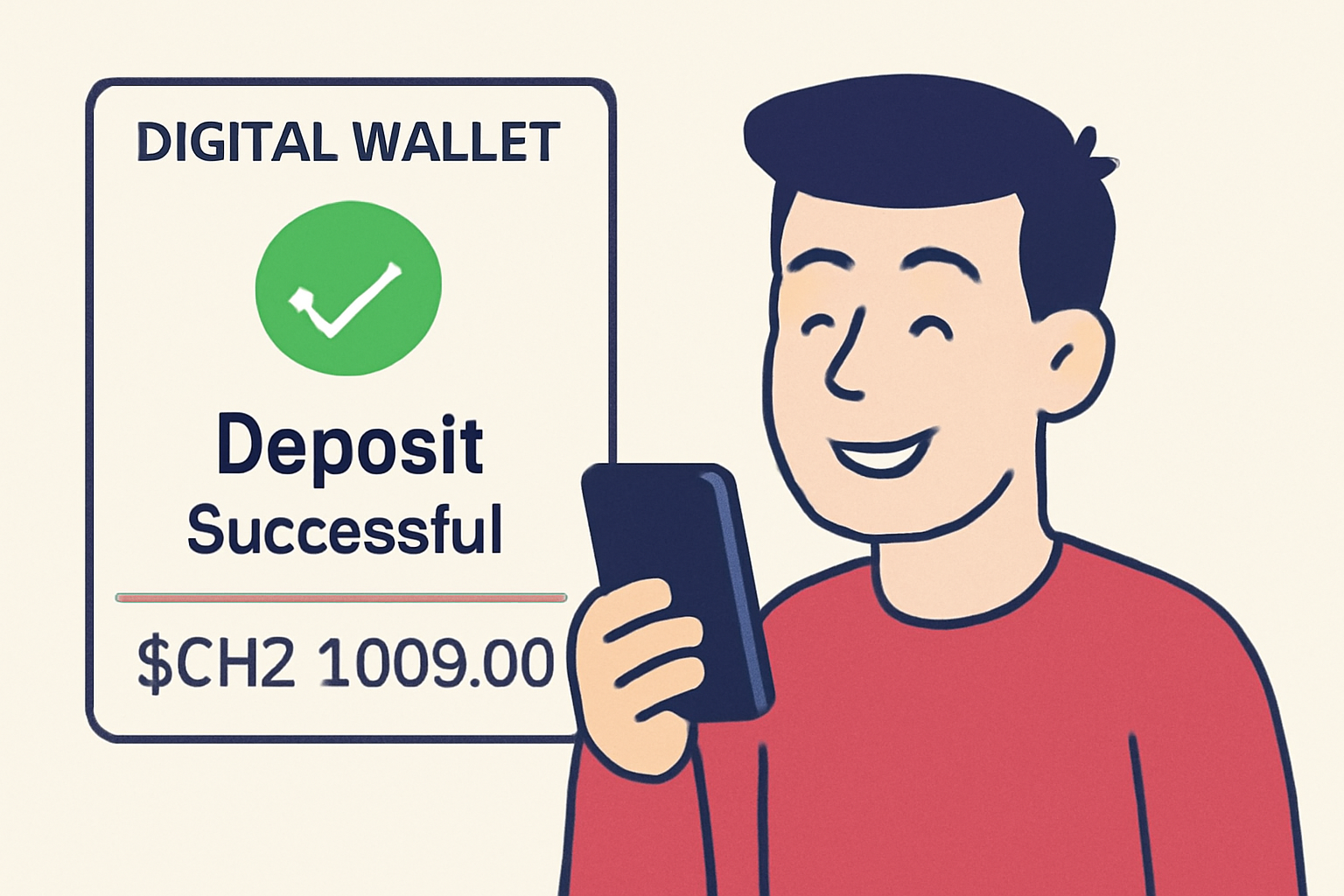
This funding step is essential because most soccer fan tokens are purchased using $CHZ (the native token powering many sports platforms) or stablecoins such as USDT. Double-check transaction fees before confirming any purchase, fees vary by platform and payment method.
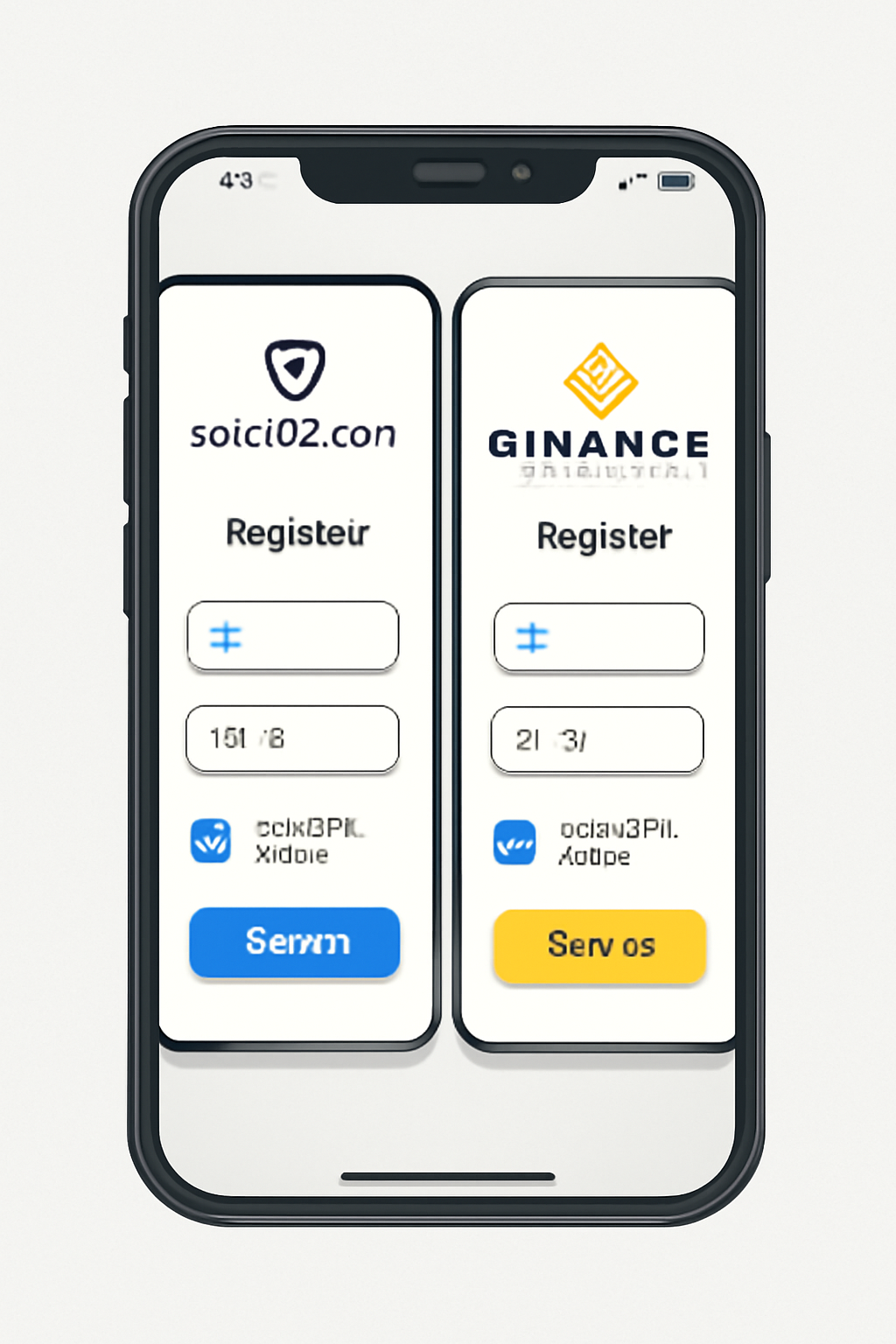
How to Fund Your Crypto Wallet on Socios.com and Binance: A Beginner's Guide
Navigating Platform Interfaces and Security Features
User interfaces are designed for accessibility but always be vigilant about phishing attempts when entering personal information online. Bookmark official URLs rather than following random links from social media or email offers, and never share your private keys with anyone. For more details on secure setup steps, see our comprehensive guide at /how-to-buy-and-trade-soccer-fan-tokens-a-step-by-step-guide-for-beginners.
Step 4: Purchase the Desired Soccer Fan Token
With your account funded, you’re now ready to buy your first soccer fan token. Each platform streamlines this process slightly differently, but the fundamentals are consistent across Socios. com, Binance, and Bitci:
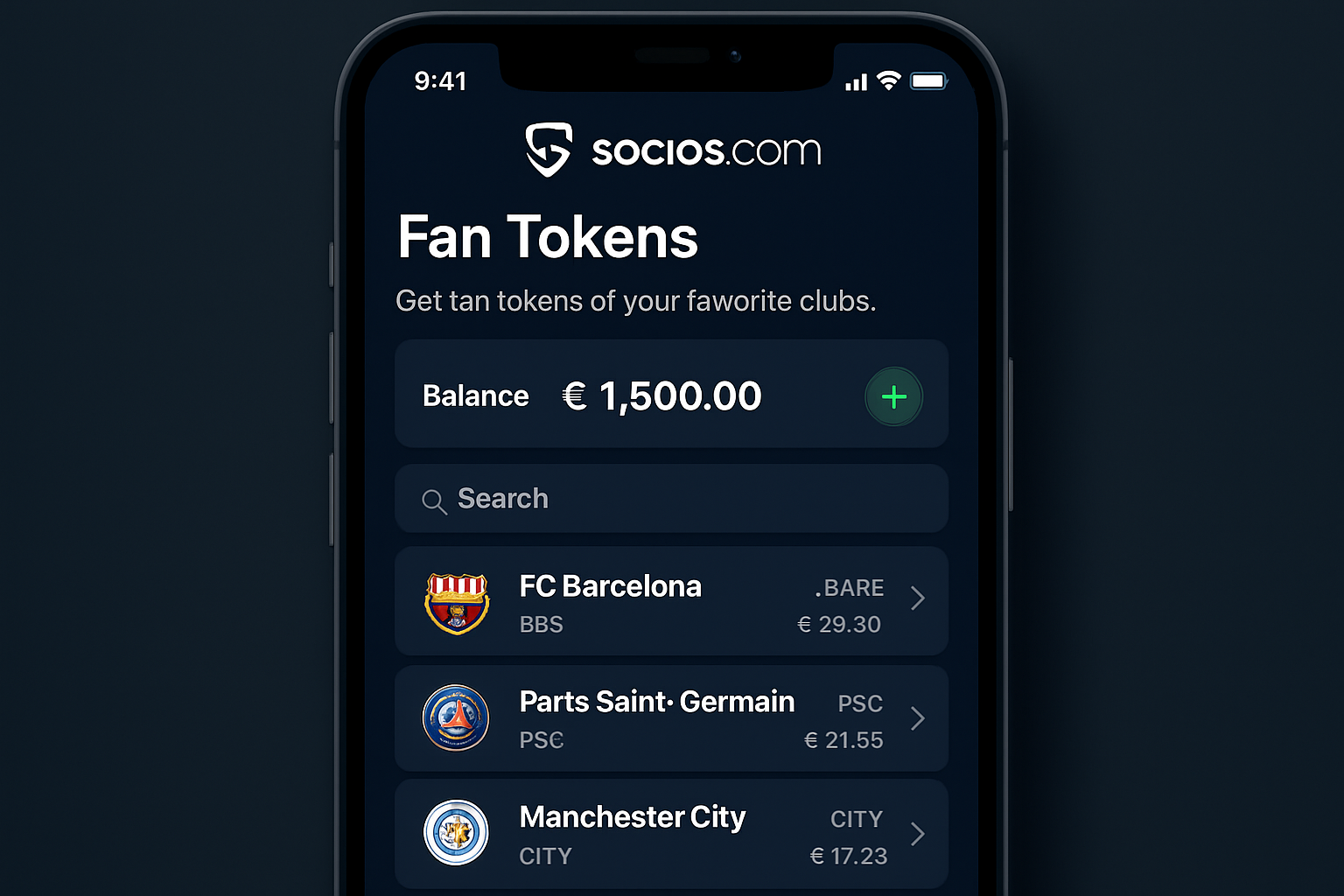
- Socios. com: Open the app, navigate to your club’s dedicated page, and select the Get Fan Token option. Enter the number of tokens you want to purchase and confirm using your $CHZ balance. The transaction is nearly instant, and tokens appear in your in-app wallet.
- Binance: Use the search bar to find your target fan token (e. g. , CHZ/LAZIO for Lazio Fan Token). Select the trading pair that matches your funded asset (such as USDT or BNB), enter your purchase amount, and execute the trade. You’ll see tokens credited to your Binance wallet upon completion.
- Bitci: Follow a similar process, search for your club’s token in their marketplace, choose your funding method (often TRY or USDT), and finalize the transaction.
Tip: Prices can fluctuate rapidly due to market demand around matchdays or club announcements. It’s wise to check real-time rates before confirming a purchase. For more on live pricing and trading strategies, visit our extended guide at /how-to-buy-and-trade-soccer-fan-tokens-a-step-by-step-guide-for-beginners.
Step 5: Store and Manage Your Tokens Securely
Your soccer fan tokens now represent more than digital collectibles, they’re keys to exclusive voting rights, rewards draws, and unique club experiences. Ensuring their safety is paramount:
- Platform Wallets: Socios. com and Binance provide built-in wallets that are secure for most users. Always enable two-factor authentication (2FA) for added protection.
- Private Wallets: For higher-value holdings or long-term storage, consider transferring tokens to a private crypto wallet like MetaMask or Trust Wallet that supports ERC-20/BEP-20 standards. Record your recovery phrases offline, never share them online.
- Regular Monitoring: Track your balance within the app or wallet dashboard. Stay alert for suspicious activity by reviewing transaction history regularly.
The security of digital assets is only as strong as your vigilance. Bookmark official sites, avoid unsolicited emails or DMs promising giveaways, and double-check all withdrawal addresses before sending tokens anywhere.
Unlocking Club Benefits and Staying Informed
The true value of soccer fan tokens lies in community engagement and access to perks unavailable elsewhere, think voting on kit designs, participating in exclusive Q and As with players, or winning VIP matchday experiences. Each club structures its token utility differently; some offer regular polls while others focus on digital collectibles or loyalty rewards.
Stay connected by:
- Following official team channels and notifications within Socios. com or Binance apps
- Tuning into platform updates about new features or special events tied to ownership of specific fan tokens
- Exploring forums and communities where fans discuss strategies for maximizing token benefits
Top Exclusive Benefits of Soccer Fan Tokens
- Choose a Reputable Platform (e.g., Socios.com, Binance, Bitci): Research and select a trusted platform or exchange that lists official soccer fan tokens for your preferred club. Socios.com and Binance are the most widely used, offering tokens for major teams like FC Barcelona, Paris Saint-Germain, and Juventus.
- Create and Verify Your Account: Register on the chosen platform, complete identity verification (KYC), and enable two-factor authentication for enhanced security. This step is crucial for protecting your assets and accessing all platform features.
- Set Up and Fund Your Crypto Wallet: Create a compatible crypto wallet if required, and deposit funds—typically in fiat currency or popular cryptocurrencies like USDT or BNB. On Socios.com, you'll need to purchase Chiliz ($CHZ) to buy fan tokens.
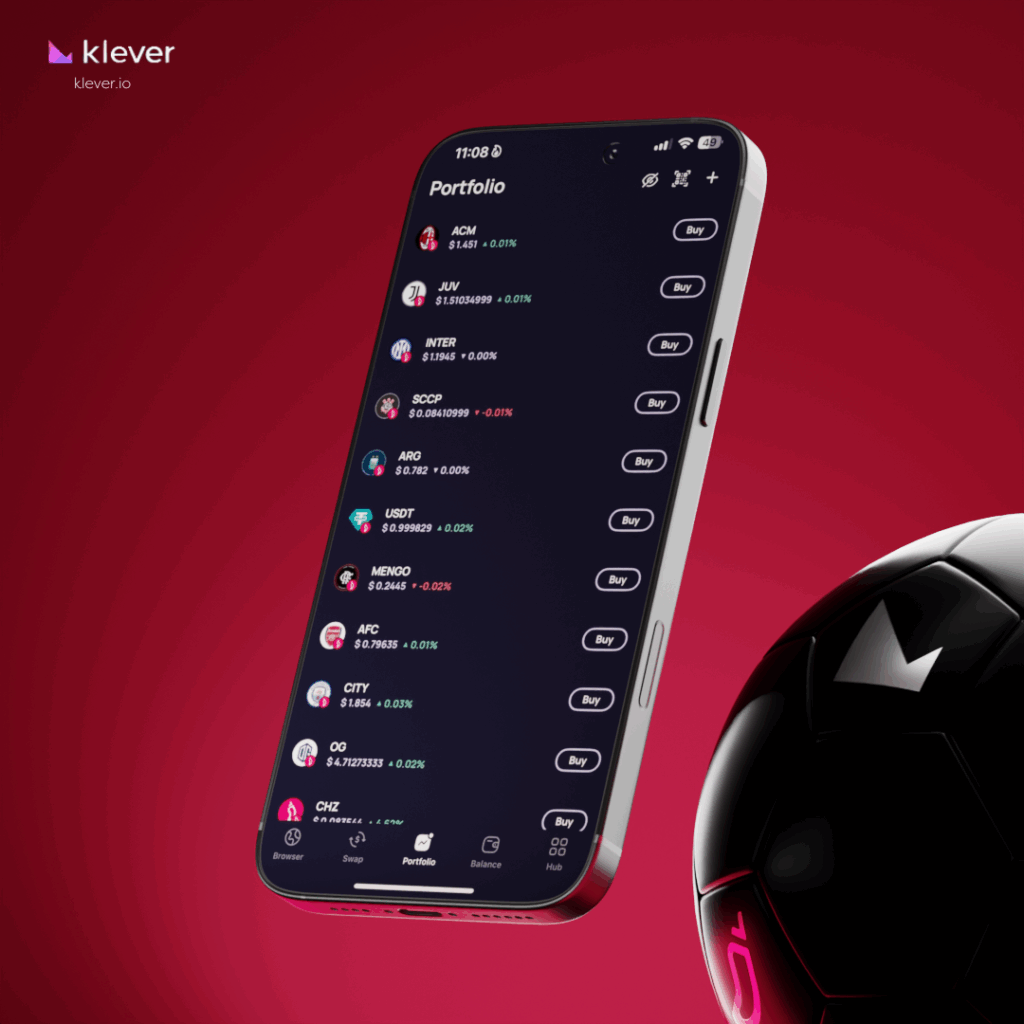
- Purchase the Desired Soccer Fan Token: Navigate to the fan token marketplace, select your club’s token, and execute the purchase using your funded account or wallet. Tokens are available for clubs such as Manchester City, AC Milan, and Atlético de Madrid.

- Store and Manage Your Tokens Securely: Transfer tokens to a secure wallet (if supported), monitor your holdings, and explore club benefits like voting rights, exclusive content, and VIP experiences linked to your fan tokens.
Final Thoughts: Your First Step Into Web3 Fandom
Navigating the process of buying soccer fan tokens, from choosing a reputable platform through secure storage, opens doors to a new era of fandom where fans are stakeholders, not just spectators. As clubs expand their Web3 offerings in 2025 and beyond, early adopters will shape how these digital assets evolve.
If you want deeper insights into advanced trading tactics or wish to compare platforms side by side before making a move, explore our related resources linked above. Remember: research thoroughly before investing any funds, sports team tokens combine passion with technology but require prudent management like any financial asset.



No comments yet. Be the first to share your thoughts!